
Buyers Guide
How to Navigate Surplus 4 All Like a Pro!
Surplus 4 All makes shopping surplus and overstock auctions easy and efficient. In this guide, you'll learn exactly how to browse auctions, place bids, track your wins, and complete pickup — all designed to help you get the best deals with confidence.
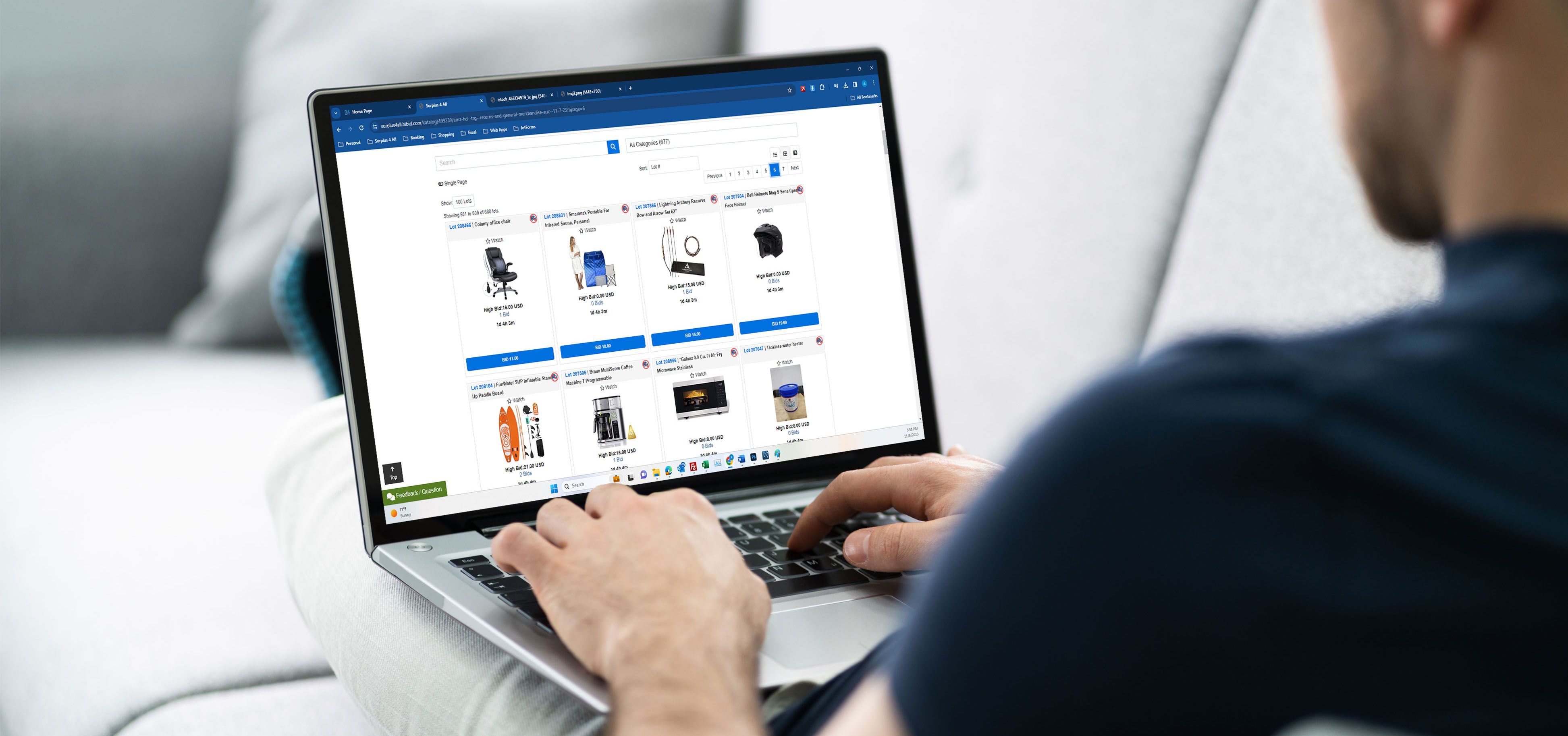
Let’s dive into a step-by-step walkthrough that’ll turn you into a Surplus 4 All expert in no time.
Step 1: Create Your Account
Once you’ve created your Surplus 4 All account, you’ll need to register and accept the terms for each individual auction before you can start bidding.
This ensures you’ve agreed to the auction’s specific rules and pickup terms. After registering for an auction, you’ll have full access to view, watch, and bid on all lots in that event.
Pro Tip:
Use the same email for bidding and pickup — it ensures your invoices and notifications are always in sync.
Step 2: Browse Upcoming Auctions
Each auction tile includes:
- Date & time the auction closes
- Brief Description
- Pickup location
Pro Tip:
Use (filter by category, search products directly, or sort by bid price range) to narrow down to the items that fit your needs — tools, electronics, or home goods.
Step 3: Explore Lot Details
Look for the following:
- 📸 Multiple images: Scroll to inspect item condition.
- 💬 Description notes: Some items are open box, returns, or brand new.
- 🔢 Lot number: Useful for reference during pickup.
Pro Tip:
Click “Add to Watchlist” to track your favorite items and get notified before they close.
Step 4: Place Your Bids
You can:
- Place a single bid manually, or
- Set a Max Bid, and the system will auto-bid for you up to your limit (proxy bid).
Strategic Bidding Tip:
Place your bid at least two increments ahead. This helps secure your position on the next bid while also preventing you from overpaying as the auction moves quickly.
Step 5: Check Your Bidding Activity
- Review Current Bids – See what you’re winning or still competing on.
- Watch List – Keep tabs on lots you’re interested in.
- Top Picks – Quickly revisit your saved or recommended items.
- My Auctions – View all auctions you’ve registered for.
- Past Bids – Review your previous bidding history and results.
- Update Payment Method – Keep your payment info current for smooth checkout.
- Update Account Info – Manage your contact and profile details.
Use the Filter Action menu on the left side of your dashboard to jump directly to your preferred view — like active bids, won lots, or watched items — for faster navigation.
Step 6: Auto Checkout
Once the auction ends, your winning lots will automatically be invoiced and charged to the card on file.
If your payment doesn’t go through, no worries — you can manually submit payment through our website under How to Pay Auction Invoices.Important:
All invoices must be paid before pickup. Keep an eye out for your QR Code — it will appear once payment is complete and will help you check in quickly at the warehouse for a smooth pickup experience.
Step 7: Pick Up Your Items
For a complete walkthrough of our pickup process, check out our How to Pick Up Guide.
🗓️ Pickup Days: Wednesday, Saturday & Sunday
🕘 Hours: 9 AM – 5 PM (Please check our Holiday Schedule for updates.)
Arrive during pickup hours with your photo ID and QR Code ready for faster service.
Walk-ins are always welcome, but we recommend scheduling an appointment to minimize wait times.
NO SHIPPING at the moment. Do you want delivery service?
Pro Tip:
Bring a vehicle that fits your purchases. Any items left overnight or returned to the warehouse may incur restocking fees unless picked up the same day.
Step 8: Leave Feedback & Stay Connected
We value your experience! Leave feedback on your items or service to help us improve.
Subscribe to our newsletter or text alerts to get notified of:
- New auctions
- Truckload sales
- Membership & Points
Stay in the loop:
📧 Join our email list | 💬 Sign up for SMS alerts | 📱 Follow @Surplus4All